Find opportunities
Find options ideas with Discovery and reusable screens
Explore strategy candidates across more than 2,500 stocks, narrow the market with practical filters, and save the screens you want to run again.
Card required. Pay $0 today. Cancel before the trial ends to avoid a charge.
The problem
A useful options screen should narrow the market without pretending to make the decision
Raw option chains are exhaustive, while generic stock screeners miss the contract-level details and strategy context options traders need.
Discovery turns a broad universe into inspectable candidates. You still review the underlying, contract, risk, liquidity, and fit before acting.
Workflow
How it works
- 1
Choose a strategy scan
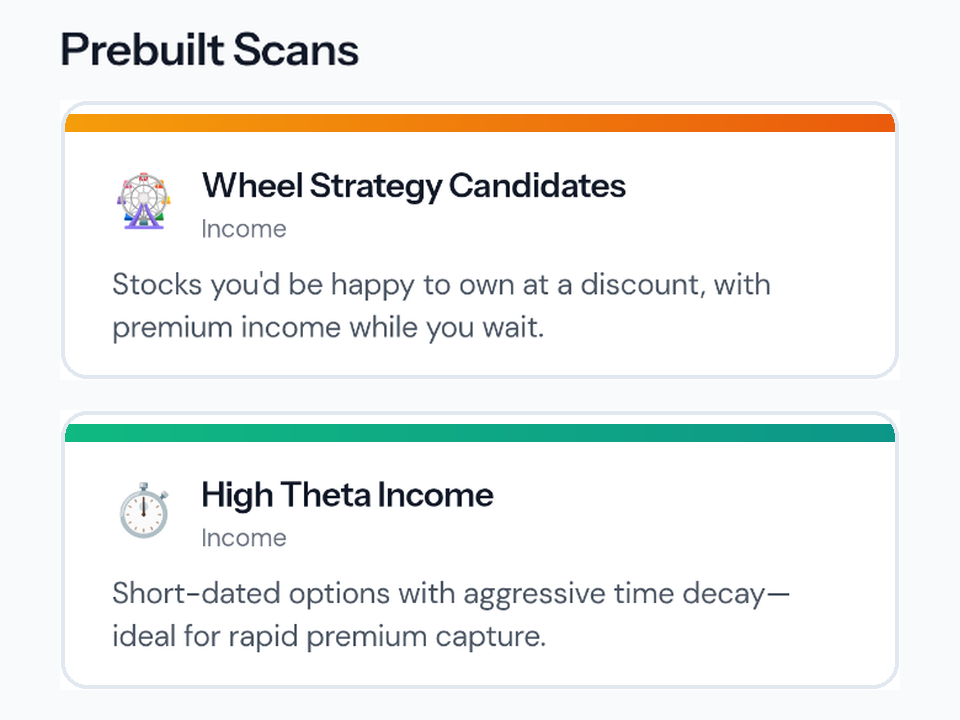
Start from an available options strategy view and define the market conditions you want to inspect.
- 2
Apply practical filters
Narrow candidates by supported price, expiration, liquidity, return, and contract criteria.
- 3
Save the screen
Premium members can save, rename, duplicate, update, and rerun up to 50 custom Discovery screens.
- 4
Test portfolio fit
Take a candidate into Scenario Lab to see how the hypothetical trade changes the actual portfolio you selected.
What it can do
- Options strategy scans across more than 2,500 US stocks
- Contract, expiration, liquidity, and return filters where supported
- Up to 50 saved custom screens for Premium members
- Rename, duplicate, update, delete, and compare saved screen runs
- Optional alerts for supported saved-screen workflows
Important limits
- Discovery results are candidates, not trade recommendations or investment advice.
- Quote, chain, earnings, and volatility fields can be delayed, unavailable, or incomplete for some symbols.
- Review the live contract and broker order details before placing any trade yourself.
Questions about find opportunities
Does Optioneer have an options screener?
Yes. Discovery provides options strategy scans and filters that help narrow a broad stock universe into contract candidates for further research.
Can I save custom options screens?
Yes. Premium members can save and manage up to 50 custom Discovery screens, then rerun or compare them later.
Does Discovery recommend a trade?
No. Discovery surfaces candidates that match selected criteria. It does not tell you what to buy or sell.
Continue the workflow
Related Optioneer features
Scenario Lab
Test a Discovery candidate against your real portfolio before placing it.
Options Calculator
Model the payoff of a single option or multi-leg setup.
Discovery guide
Understand filters, data quality, and how to evaluate scan results.
Put the full workflow in one place
Track what you own, understand the exposure, find ideas, test portfolio fit, and manage what happens next.