Options Discovery
Narrow a broad market into options candidates using pre-built strategy scans and practical filters.
What is Options Discovery?
While the Screener is perfect for when you already have a target stock in mind, Discovery is designed for when you want the market to bring ideas to you.
Discovery runs complex, multi-variable filters across thousands of option chains simultaneously to find setups that match supported trading strategies, such as High IV, Oversold Puts, or Safe Yield Covered Calls.
Review the current Discovery and Saved Screens capabilities, then follow the Scenario Lab guide to test a candidate against a selected portfolio before deciding what to do.
Choose a Strategy Scan
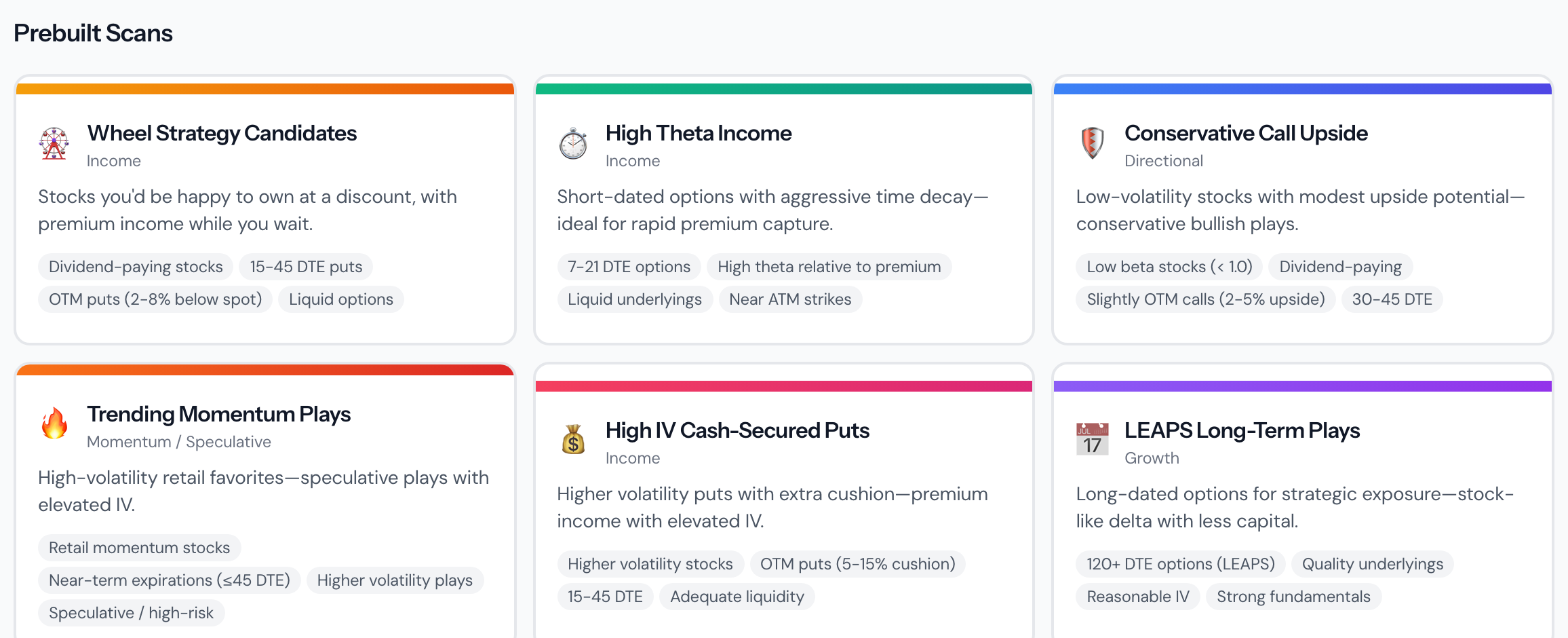
The top of the Discovery page presents several "Pre-built Scans", each designed to identify a specific market setup.
- Select a Tile:Click on a scan tile (e.g. "Wheel Strategy Candidates" or "High Theta Income") to execute the scan.
Review the Results
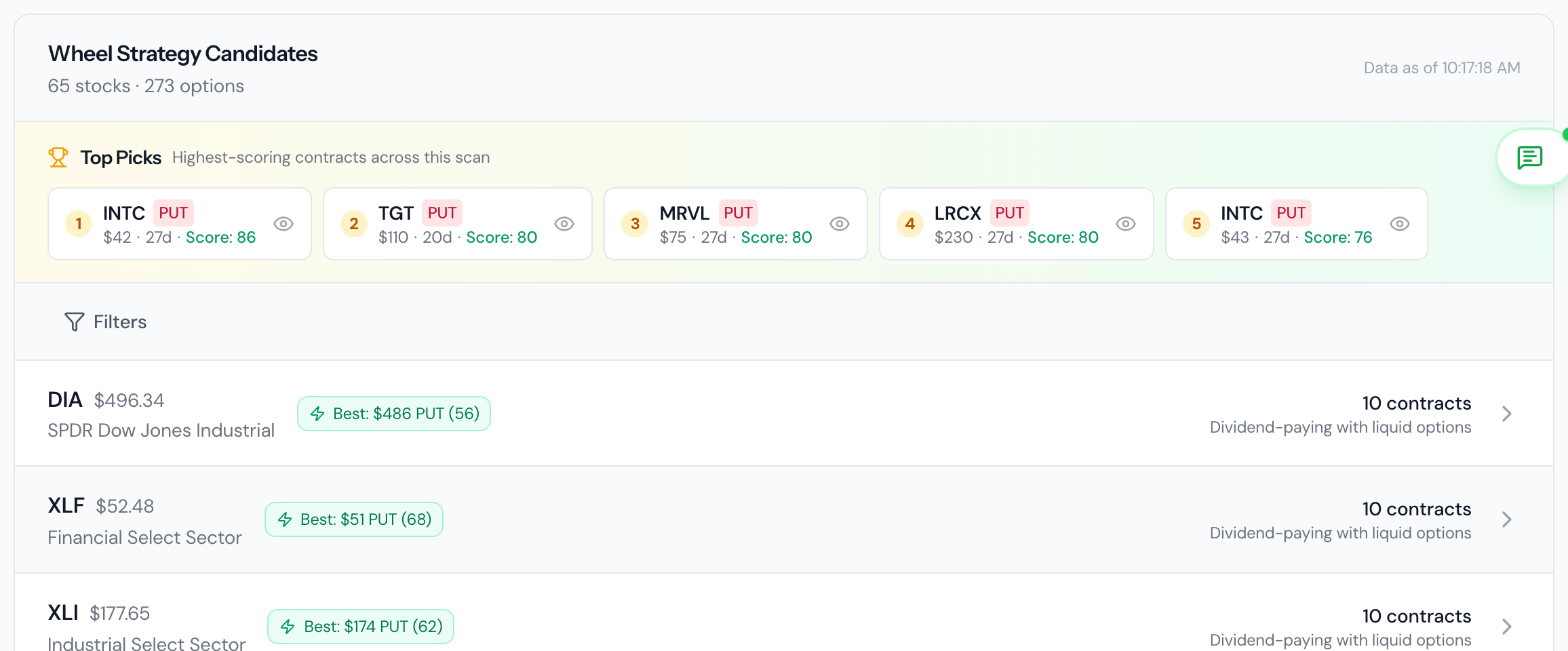
Once the scan completes, a list of matched option contracts will appear below. These are across different underlying tickers.
- Underlying vs Contract:Notice that each row combines information about the underlying stock and the specific option contract that triggered the match.
Filter & Refine
Scans can sometimes return dozens or hundreds of ideas. Use the secondary filter parameters to narrow down the result set to fit your exact risk profile.
- Adjust Parameters:You can refine DTE, delta, open interest, option volume, spread, stock price, call/put, strike distance, premium/capital, IV, minimum credit, liquidity, and annualized premium yield without re-running the market scan. Premium/capital, credit, and yield apply only to premium-selling strategies.

Save the Complete Screen
Premium users can save, load, update, rename, duplicate, and delete Saved Screens. Loading one restores its strategy scan and every supported filter.
IV Rank and earnings-before-expiration are not shown because Discovery does not currently have reliable production data for those metrics.
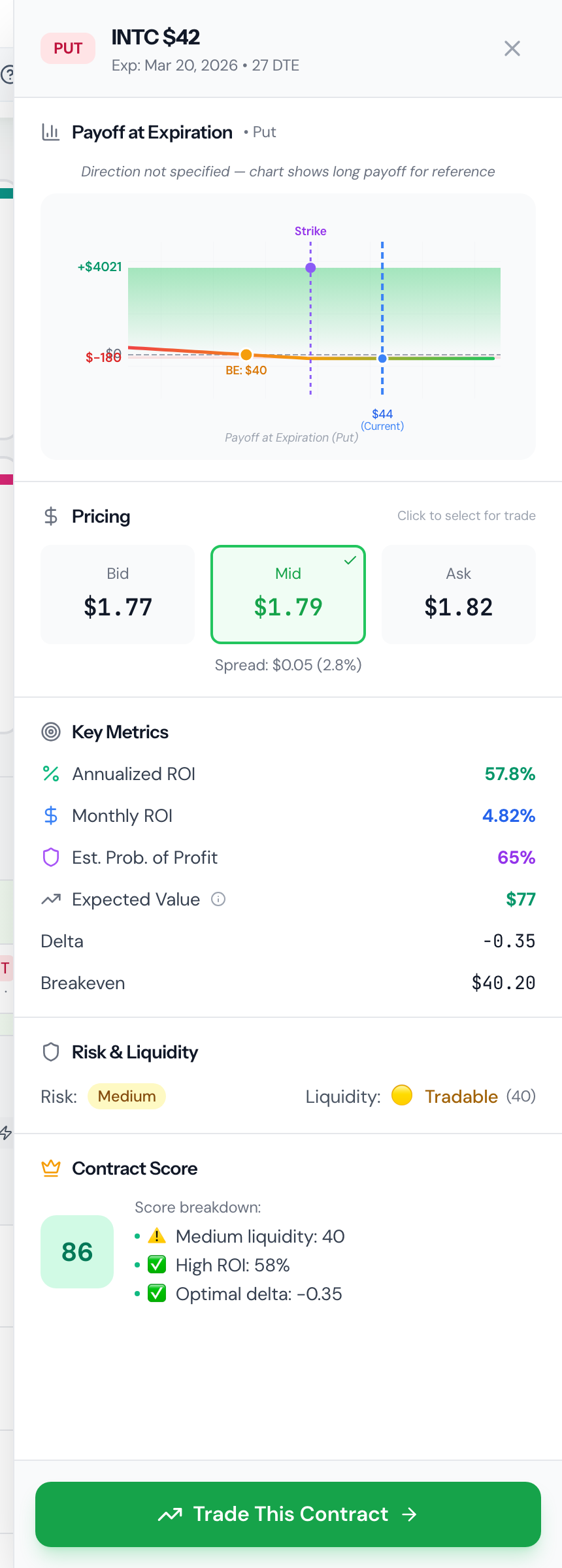
Examine Contract Details
Finally, click on any row that looks promising to open the Contract Details Panel. Here you can review the specific trade setup, check the historical chart for the underlying, and see the payoff potential before deciding to execute the trade at your broker.