How to Use the Options Screener
Narrow one option chain to contracts that match your selected expiry, strike, Greek, and liquidity criteria.
What is the Options Screener?
The Optioneer Options Screener helps you inspect the available option chain for one ticker at a time. Instead of manually clicking through every expiry and strike, you can set criteria such as expiration date, strike price, delta, or volume and review the matching contracts.
Whether you are looking to sell premium, buy directional calls, or hedge a position, the screener accelerates your research process.
Strategy Presets & Search
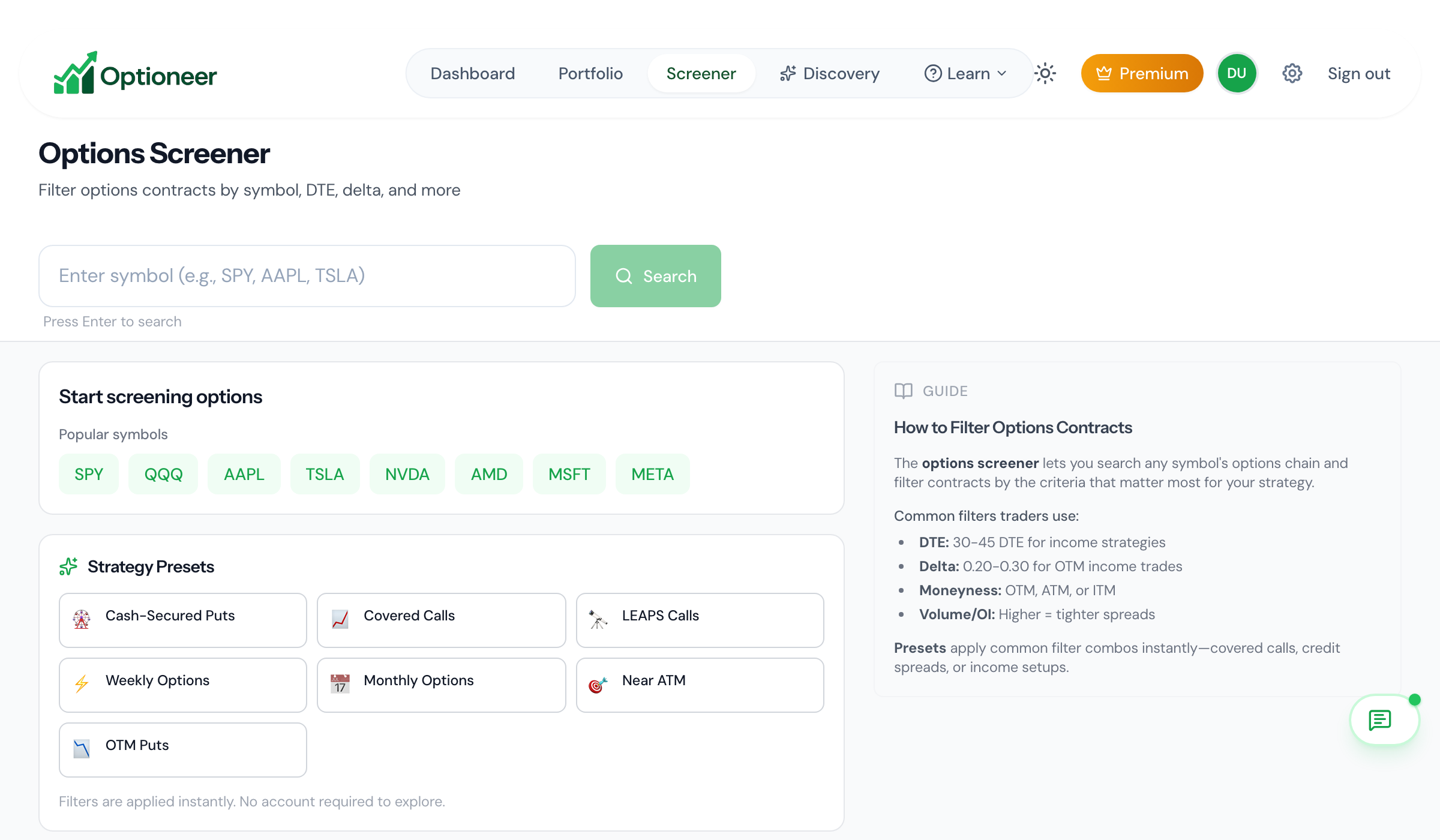
When you first open the Options Screener, you'll see our initial Strategy Presets. You can quickly set up your scan by selecting a strategy like Cash-Secured Puts, Covered Calls, or LEAPS. Then, enter a ticker symbol in the search bar to automatically fetch the latest available options chains for that asset.
Analyze Initial Results
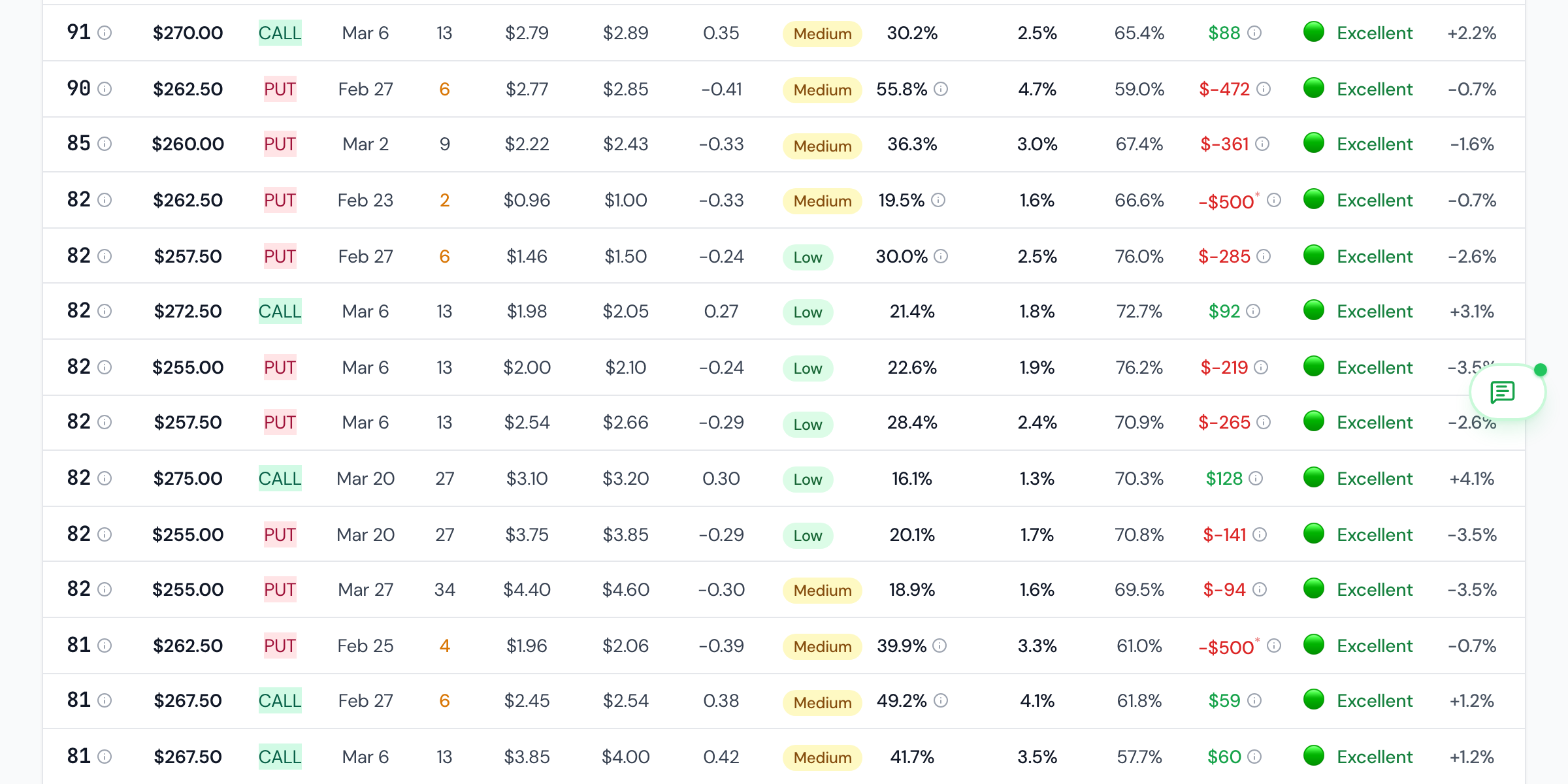
After searching for a symbol, you will see contracts matching your initial preset. You can sort by any column to compare the results, or click on a row to open the Contract Details Panel for a deeper dive into Greeks and payoff charts.
Apply Secondary Filters
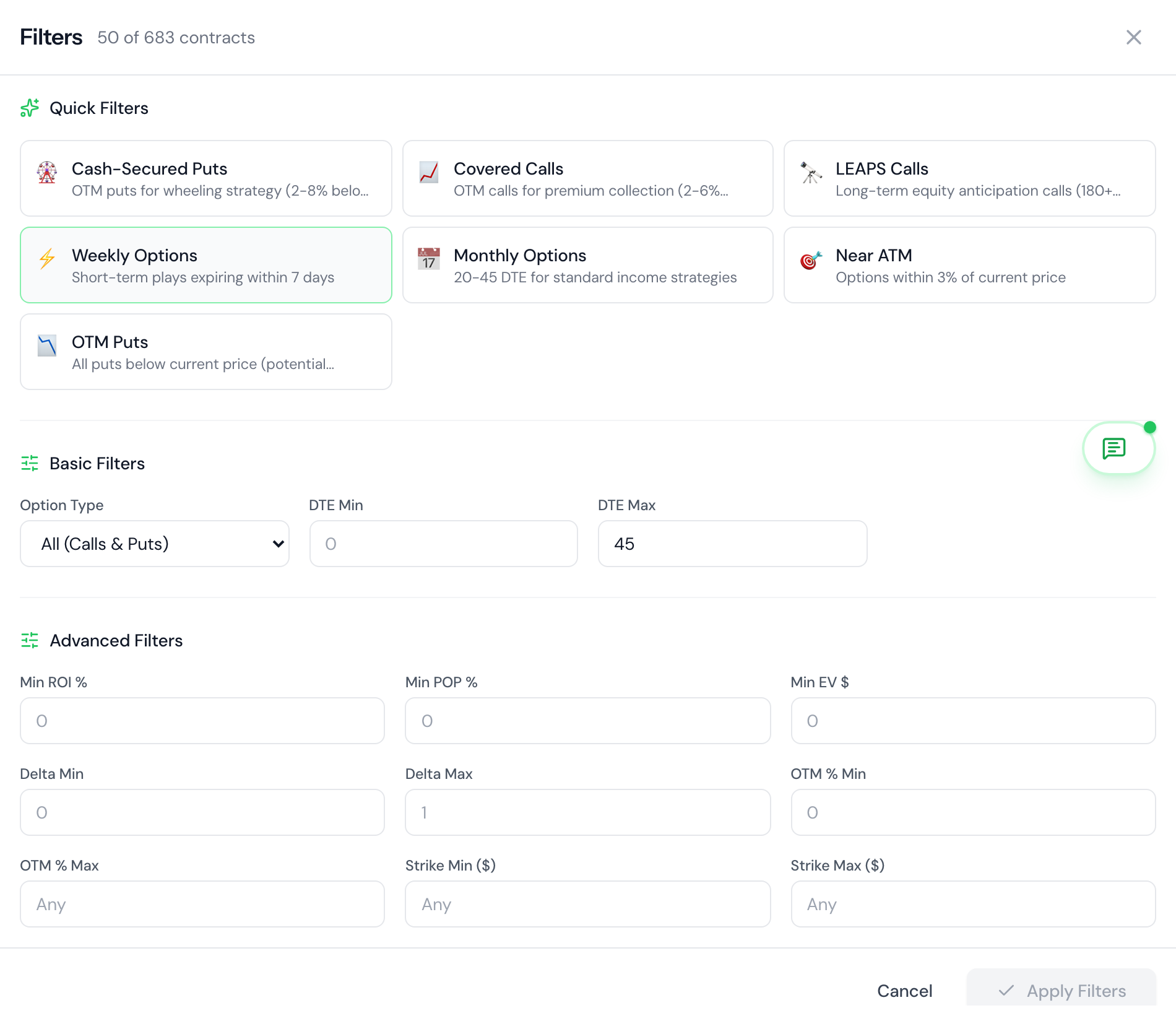
If the initial results are too broad, click on the Filters button to reveal the advanced secondary filter panel. Here you can fine-tune your scan:
- Type & Expiration:Choose calls or puts, and select specific expiration dates.
- Pricing & Quotes:Filter by underlying price limits or turn on "Active quotes only".
- Liquidity & Metrics:Set limits for Spread tightness, Minimum Volume, and ROI.